01
LUMA wake
Firmware-local wake word; App can come to front and enter listen mode.
HUWO SMART GLASSES
HUWO mass-produced first-person lineup: E06S / E08 / E09B / E09C smart glasses, plus E12 AI camera earbuds. Deeply customized with the HUWO App: wake word LUMA captures what you see — event-based, not 24/7 CCTV.

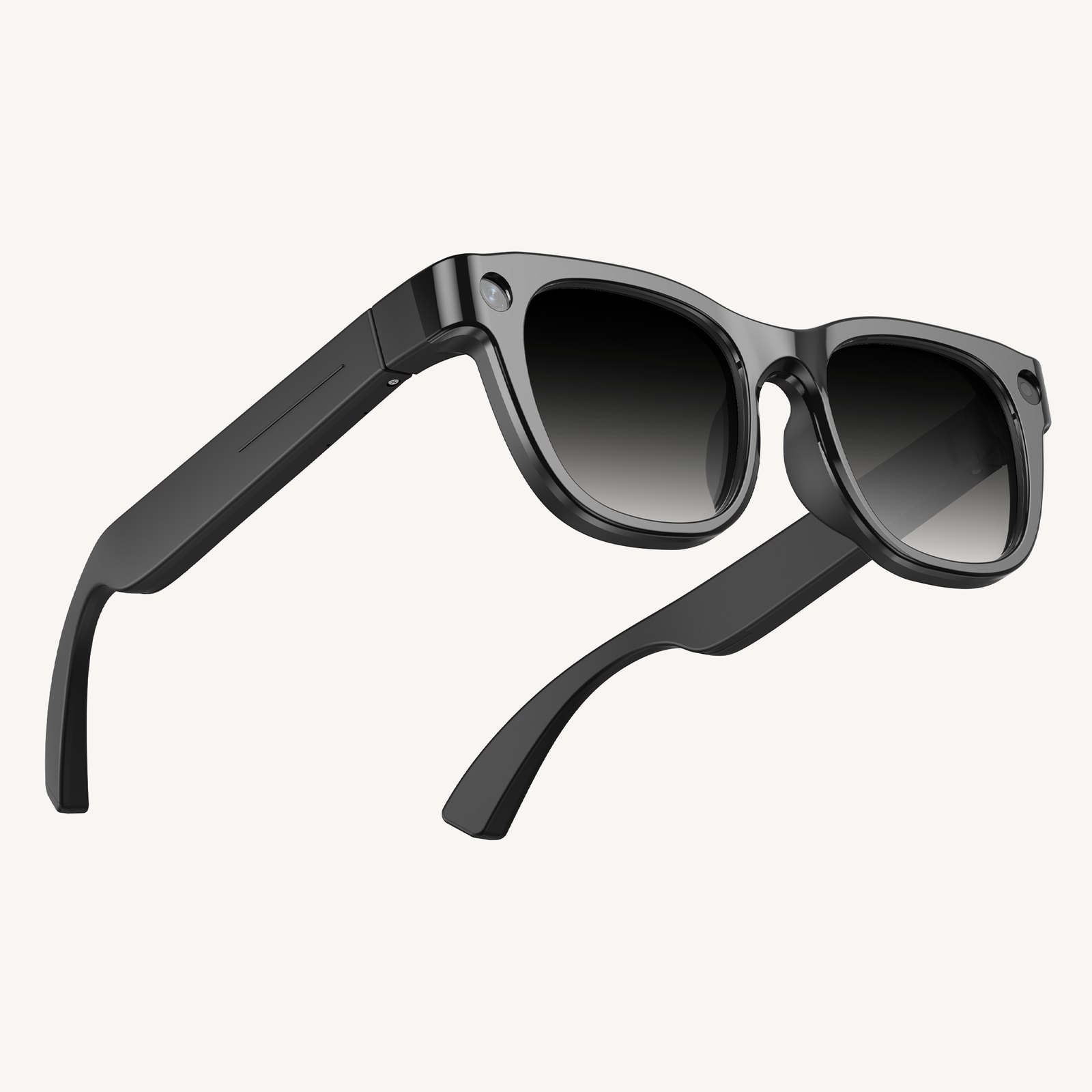
Flagship · E09B
Metal semi-rimless · demo hero
Sony IMX219 8MP, ~43g, 300mAh, blue-light lenses. Demo unit for HUWO on-duty “see”.
Product Line
Five mass-production SKUs from studio shots and spec sheets. Four glasses plus E12 camera earbuds. Physical unit wins on specs.
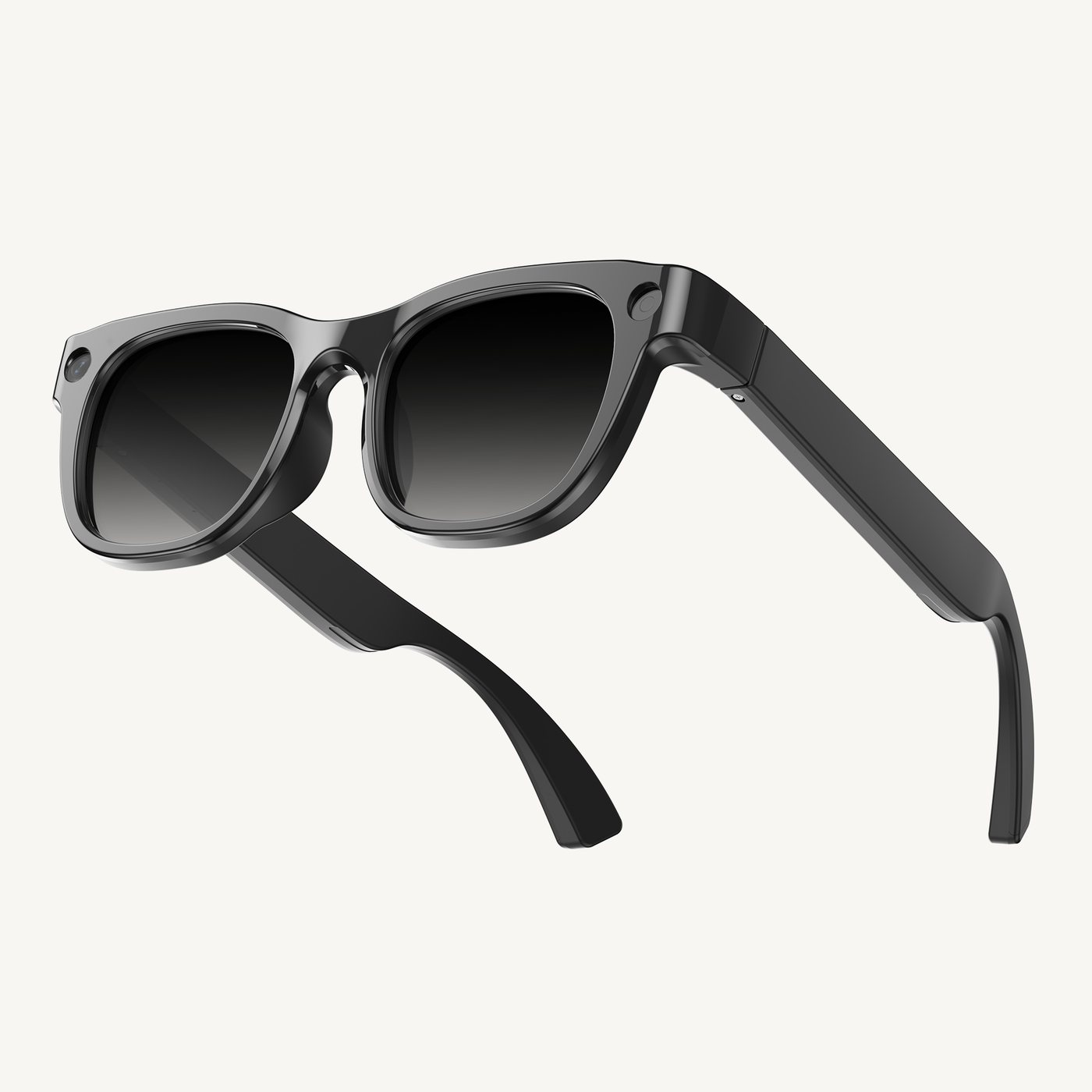
Full-frame smart glasses · 13MP
Sony 13MP, 3000×4000 stills; Hey Luma wake, linked to HUWO App.
View this model →
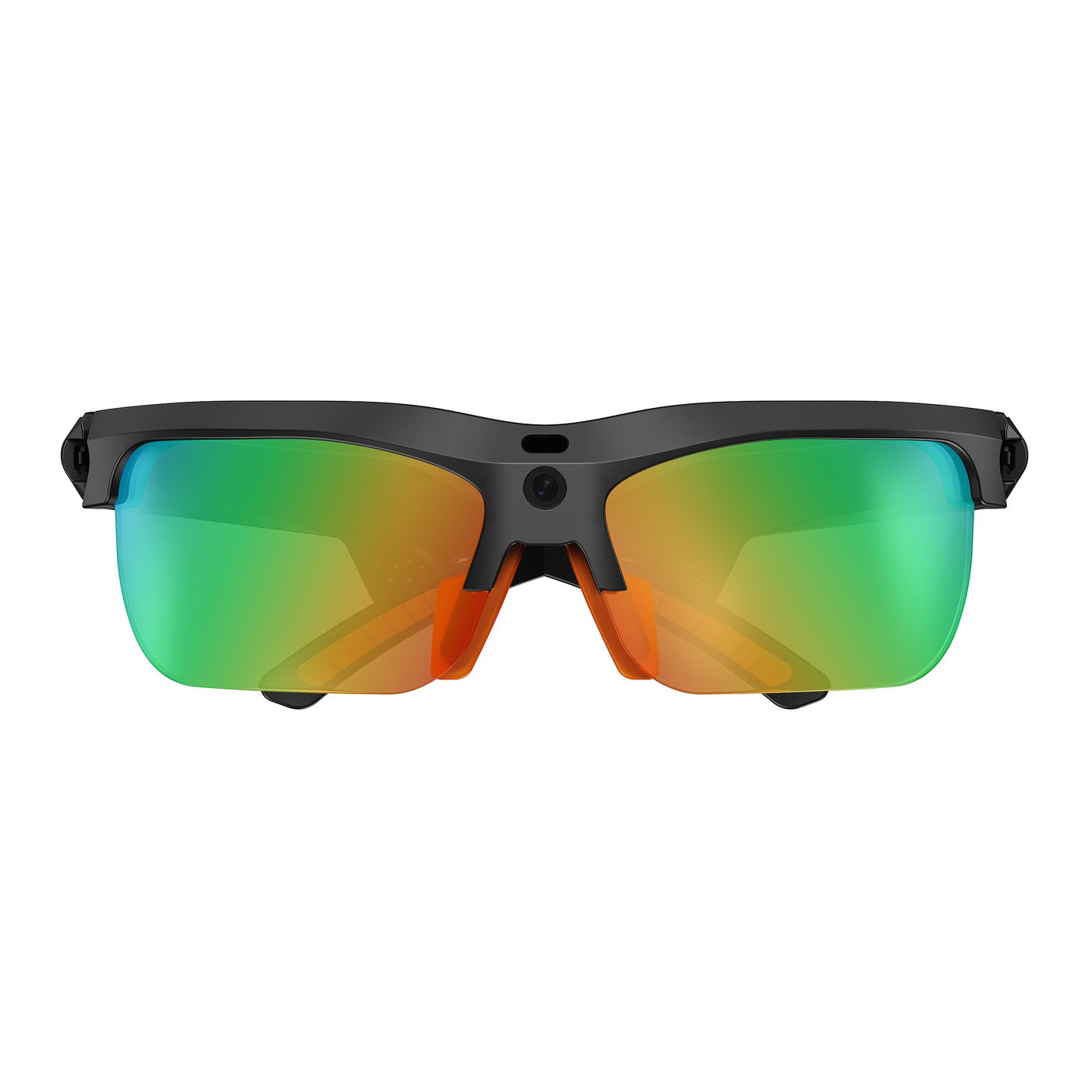
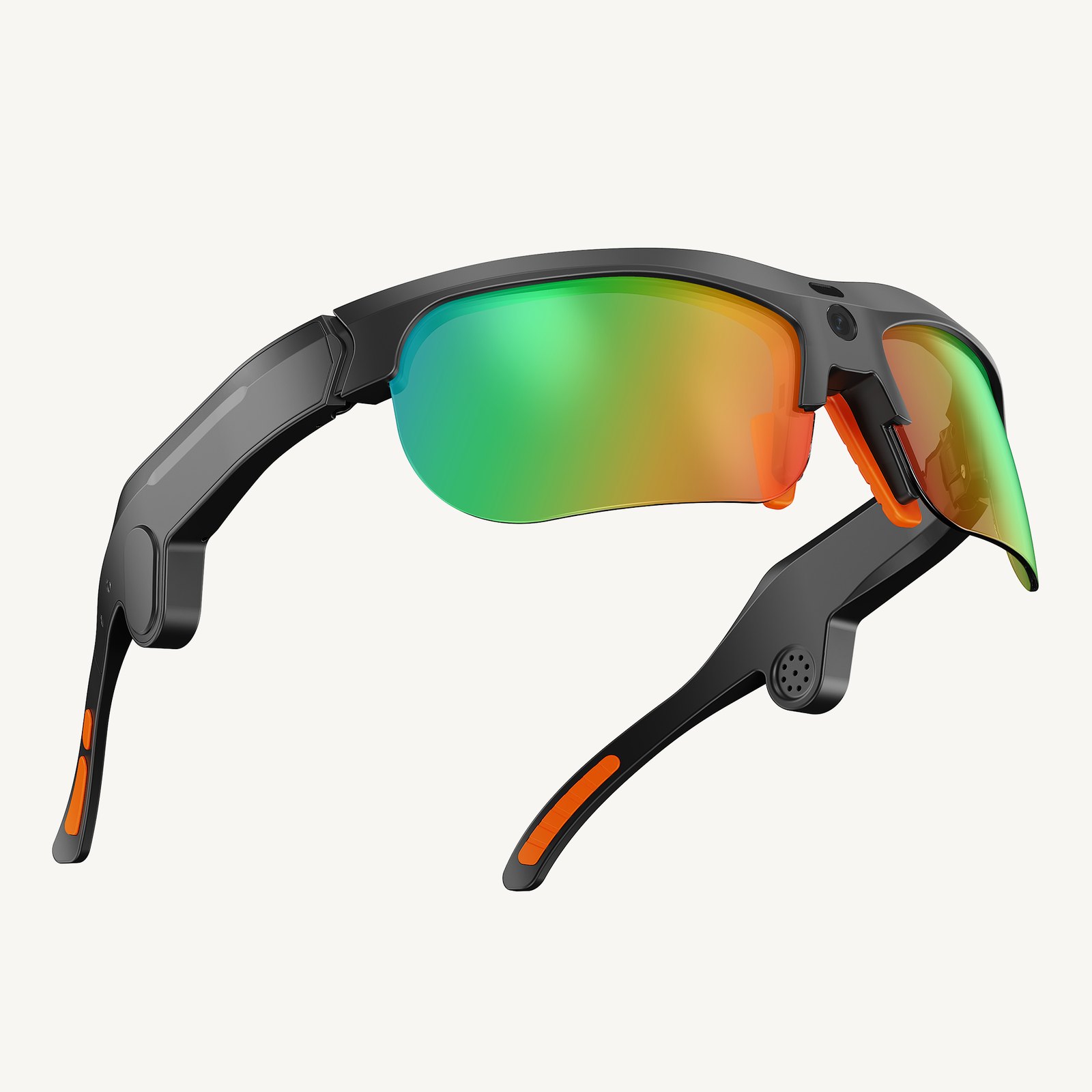
Cycling open-frame · 13MP
Sony IMX386 13MP, ~38g, Wi-Fi 6, 290mAh — first-person for cycling.
View this model →
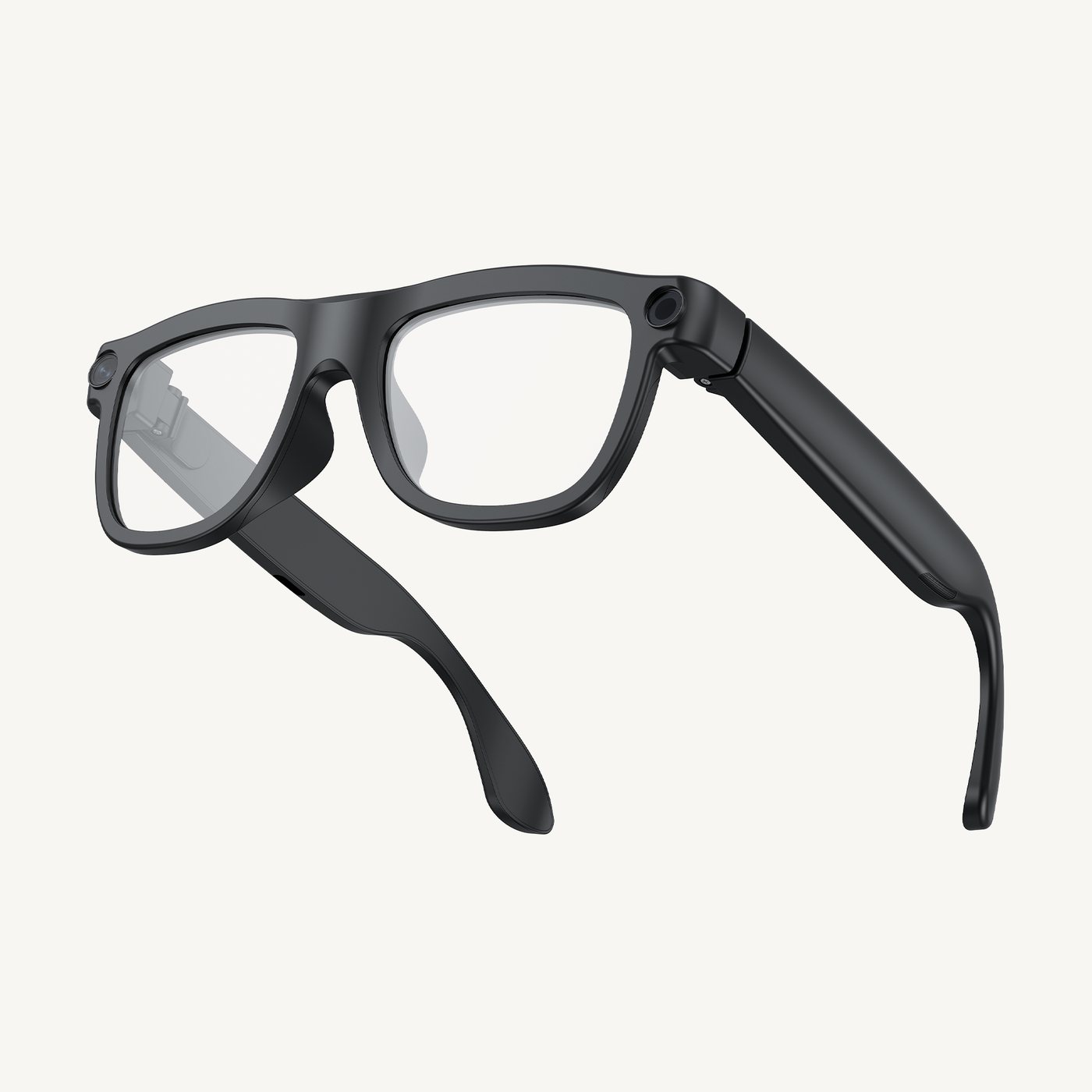
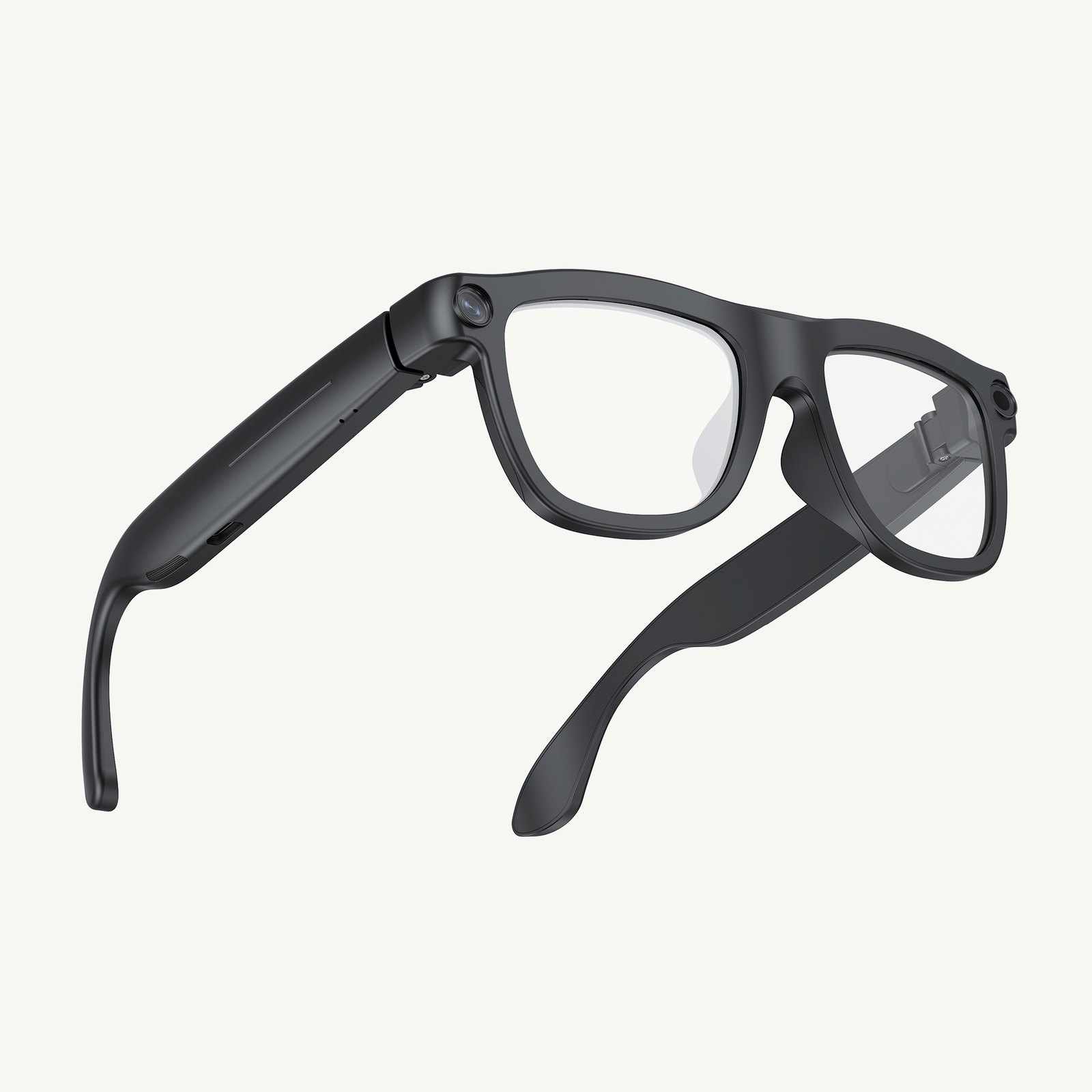
Full-frame · glass lenses
Sony IMX219 8MP, ~49g, glass lenses, 300mAh — daily first-person.
View this model →
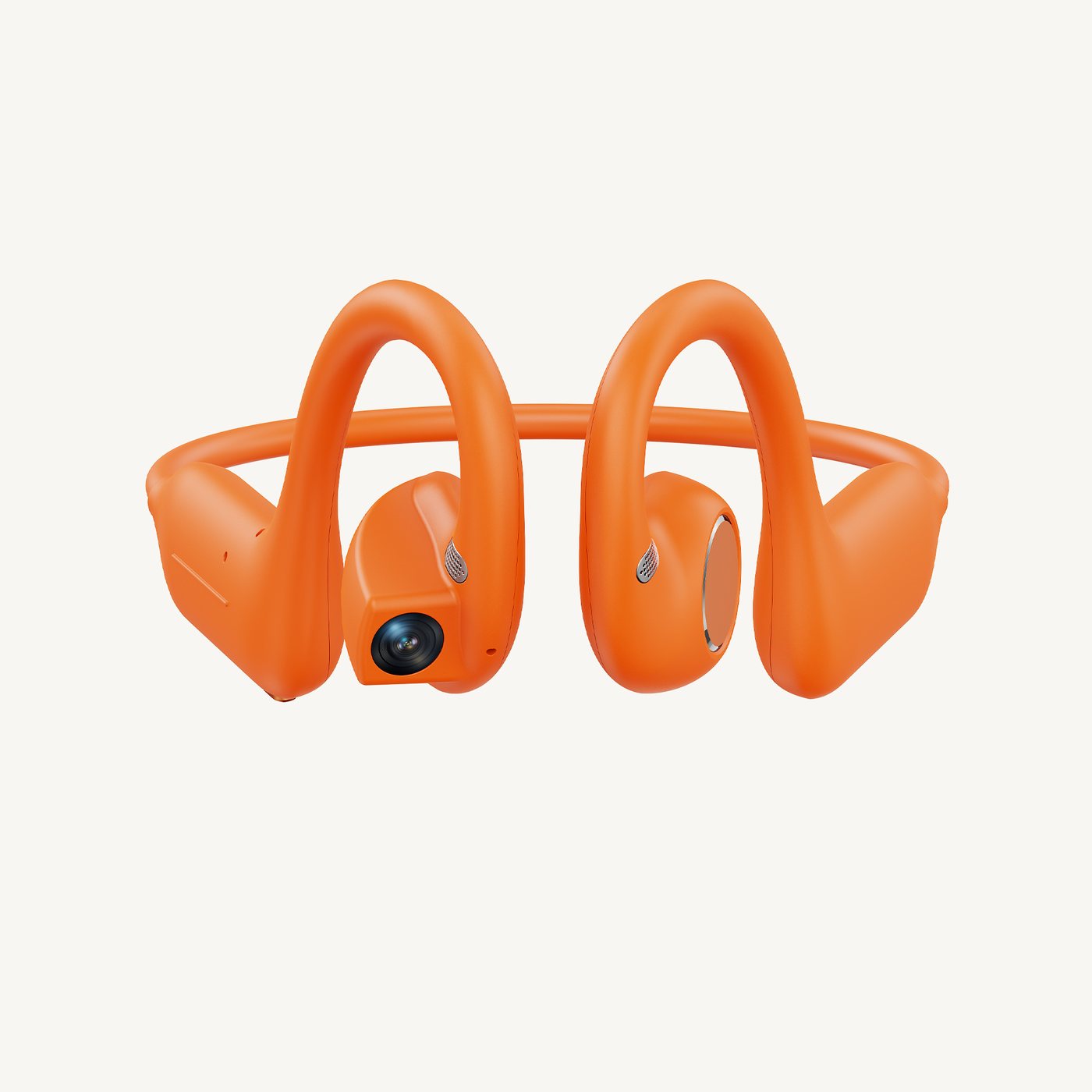
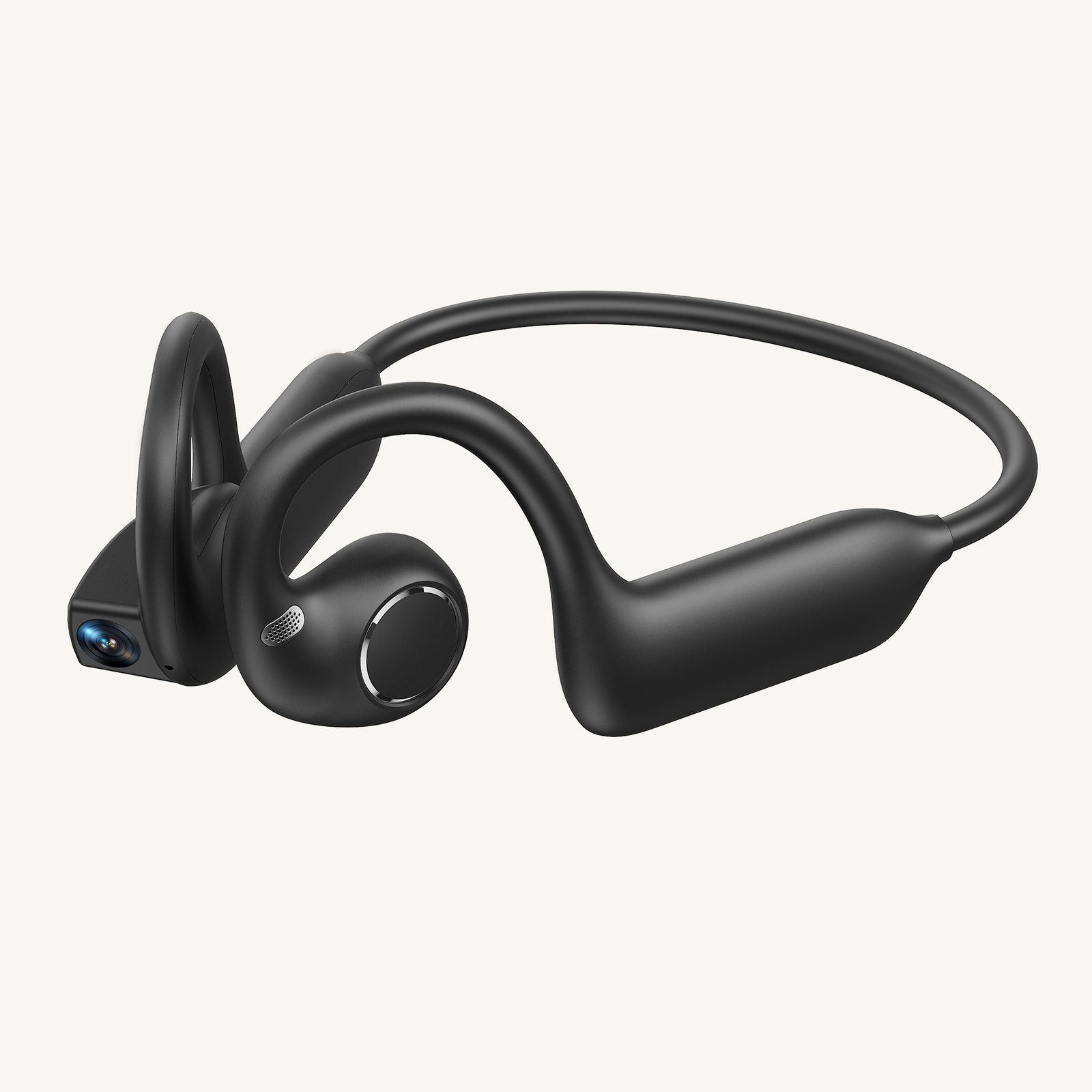
AI camera earbuds · first-person cam
Sony IMX219 on-ear camera, open audio, magnetic charge, 220mAh. Same first-person family — not glasses.
View this model →
App Connected
Protocol-level path: wake → photo → analyze → speak; keep-alive in background like leading glasses companions.
01
Firmware-local wake word; App can come to front and enter listen mode.
02
Commanded capture for meal vision, ingredient labels, and page reading.
03
Results read/write permanent memory; nod-to-cart and spoken answers supported.
Not a siloed translation glasses app — plugged into the HUWO family super-agent.
“LUMA, what do you see?”
Wake, capture, describe and speak — ask about the scene hands-free.
“Can my dad eat this dish?”
Analyzes the plate with dad’s restrictions and chronic-care memory.
“Can my dad eat this?”
Reads labels for allergy/chronic risks; nod to add to the shopping list.
Open HUWO AI, connect in the glasses companion page, enable keep-alive and OEM permissions, then try LUMA.